
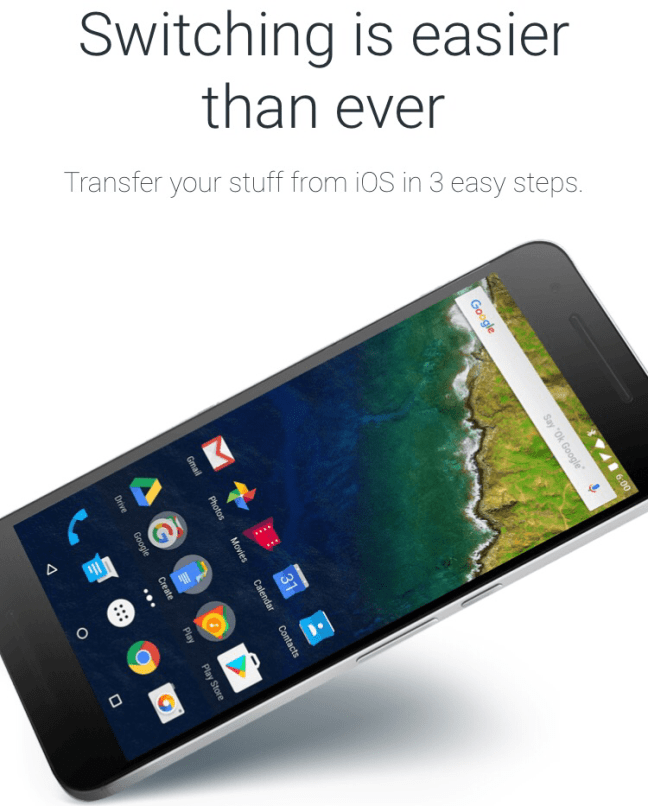
A lot of you iOS users saw the new Pixel: Phone by Google, and thought; Should I switch? Well if you want to you have one problem; losing all of your photos, docs, contacts, music, and calenders. Well now there is a way to do it; Switch to Android.
With Switch to Android you can back up all of your “stuff” to Google Drive and it will magically be there on your new Pixel, Nexus, Samsung, or whatever Android device you bought.
==============================
How this works is you get Google Drive on your iOS device and sign in to the account you will use on your new phone.
Then go into the Drive settings and click the backup button (it will ask for permission to your photos, contacts, iTunes library, and calenders).
WARNING: This may take several hours depending on how much stuff you have.
==============================
Now, after the backup all of your stuff will be on your new Android device!
 Wiggy Tech